 BarShelf
BarShelf › Widgets › aas Usage
aas Usage
aas lets you use several Claude Code, Codex and other coding-agent accounts side by side. This widget runs aas usage --json and shows every account's 5-hour and 7-day quota — used, left, and when it resets — in the BarShelf popover.
- Category
- Developer
- Type
- Command (exec)
- Requires
- aas CLI
- Permissions
- exec:
aas - Source
- github.com/Open330/aas/tree/main/widgets/barshelf-aas-usage
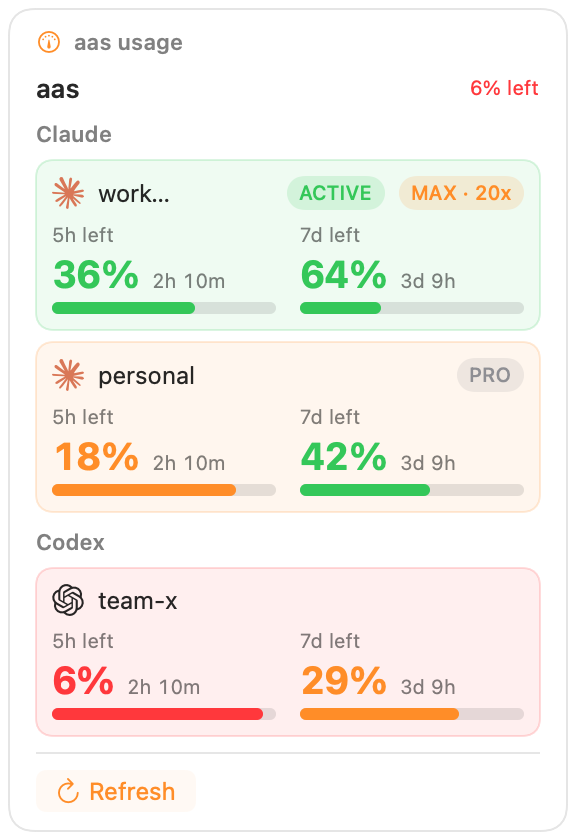
LLM account usage from aas usage --json — per-account cards with plan badges (Max/Pro/Team) and two-column meters: a large health-colored remaining %, the actual time until each window resets, and a usage bar. Built on the native aas adapter.
Install aas first:
brew install open330/tap/aasInstall
With BarShelf running, install it in one click, or from the terminal:
barshelf install https://github.com/Open330/aas/tree/main/widgets/barshelf-aas-usageDon't have BarShelf yet?
brew install --cask open330/tap/barshelf