26 native macOS menu bar widgets, from Claude Code and Codex usage to OTP codes,
GitHub reviews and Mac sensors. Each one runs behind the same BarShelf icon, and any command-line tool can
become one more.
aas Usage
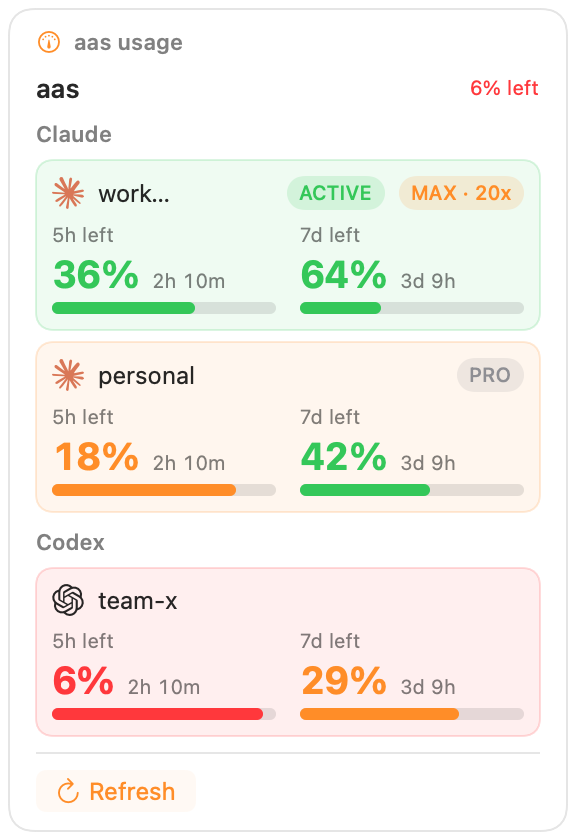
LLM account usage from aas usage --json — per-account cards with plan badges (Max/Pro/Team) and two-column meters: a large health-colored remaining %, the actual time until each window resets, and a usage bar. Built on the native aas adapter.
Requires aas CLIDetails →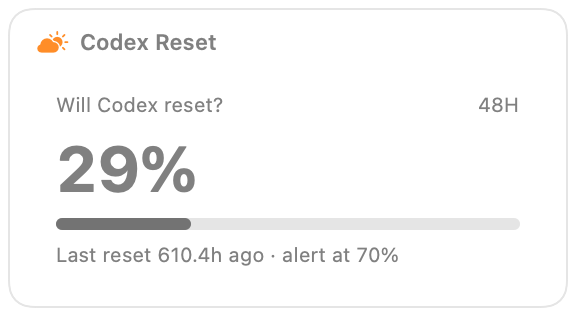
Codex Reset
Unofficial forecast of a Codex quota reset in the next 48 hours, from willcodexquotareset.com — a 0-100 score tinted at the 70/40 marks and mirrored into the status item. The upstream feed re-derives every ~30 minutes, so the widget refreshes on that cadence.
Details →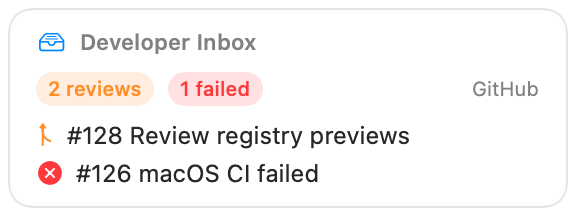
Developer Inbox
GitHub review requests and unread notifications in one private, actionable inbox with dedicated setup, empty, and partial-failure states.
Requires gh CLI + DenoDetails →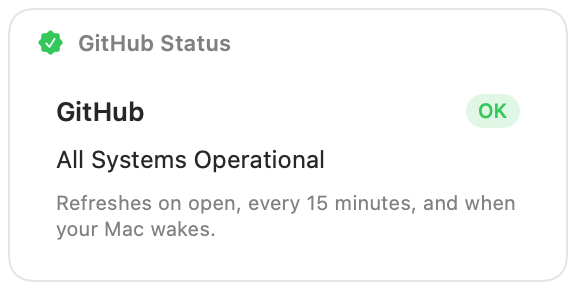
GitHub Status
Fetches GitHub's public status JSON over HTTPS and refreshes when your Mac wakes — an HTTP-source example.
Details →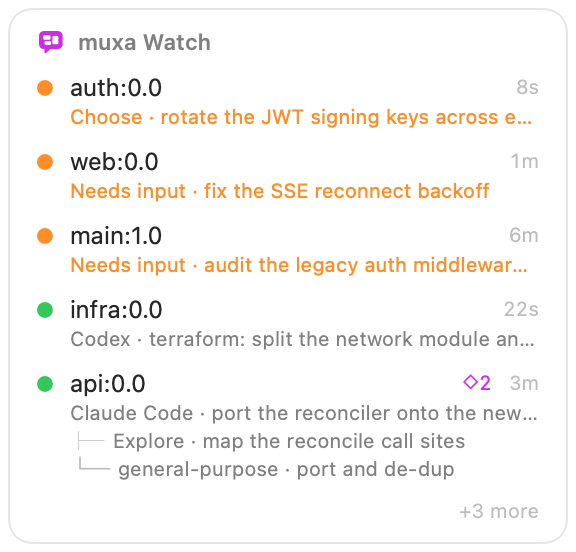
muxa Watch
Watch every muxa agent from the menu bar — one native two-line row per agent with a colored state dot, its last activity, and the prompt it is working on, plus a load badge and an in-flight subagent tree when an agent fans work out. Add one card per host: local or SSH.
Requires muxa CLI + DenoDetails →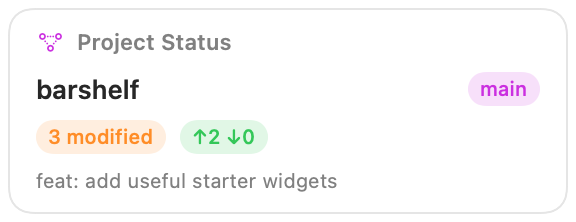
Project Status
A glanceable Git repository dashboard: branch, working-tree changes, ahead/behind state, latest commit, Finder, and remote links.
Requires Deno runtimeDetails →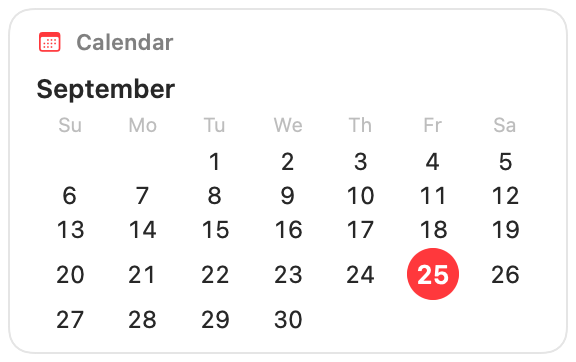
Calendar
Native month calendar grid with today highlighted — a 7-column grid built from a shell source. No external dependency.
Details →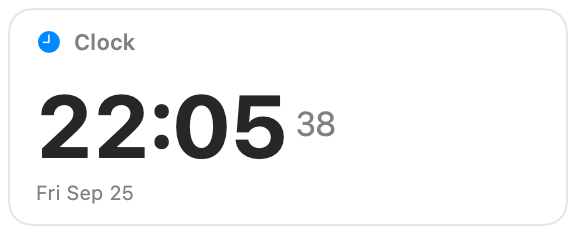
Clock
Native digital clock — a big HH:MM with a live seconds counter and the date. No external dependency.
Details →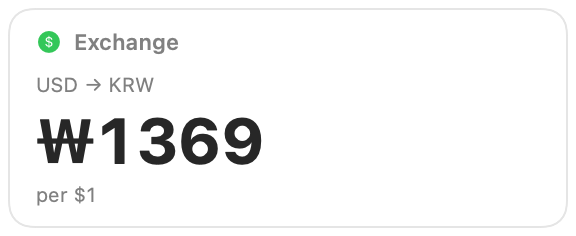
Exchange
USD→KRW exchange rate over a free HTTPS API (open.er-api.com, no key) — a big rate figure. Another HTTP-source example.
Details →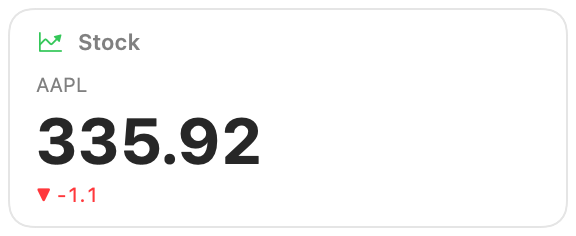
Stock
Live stock quote (any ticker) over the Yahoo Finance API — a big price with a colored up/down change. Demonstrates the HTTP source with a required User-Agent header.
Details →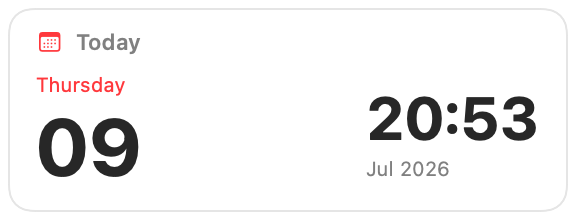
Today
Native Calendar/Clock-style date widget with a large day number — the layout adapts to the widget size (small / medium / large) like a native iOS/macOS widget. No external dependency.
Details →
Weather
Native weather widget over a free HTTPS API (open-meteo, no key) — a big temperature and a condition icon for any latitude/longitude. Demonstrates the HTTP source.
Details →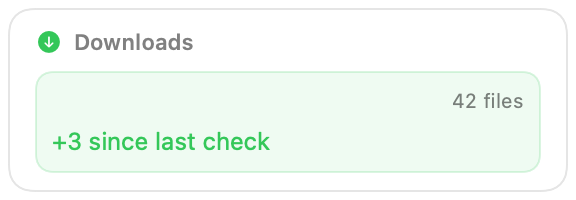
Downloads
Counts files in a folder and shows how many were added or removed since your last check, persisting the count across refreshes with the workflow storage layer.
Details →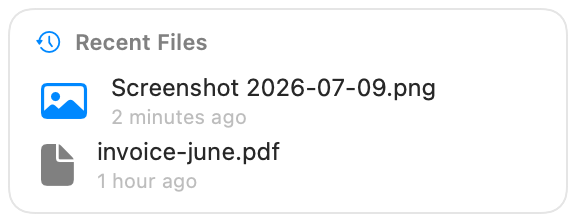
Recent Files
Stashbar-style recent files with a Grid/List view toggle and adjustable thumbnail size. QuickLook thumbnails that drag out to Finder/apps and open on click. Inspired by https://github.com/jiunbae/stashbar.
Details →Stashbar Recent Files
Recent files from a folder you choose, in three view modes — Preview (a hero card for the newest file), Grid (thumbnail tiles), and a searchable List. QuickLook thumbnails, click to open, drag straight out to other apps. The official widget bundled with the native Stashbar app.
Source →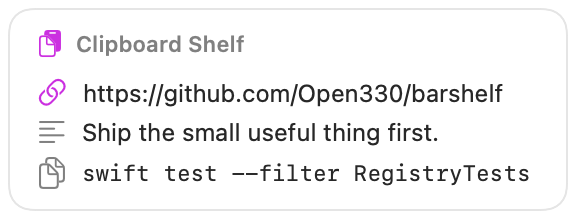
Clipboard Shelf
A privacy-first, memory-only clipboard history with search, re-copy, pin, delete, secret detection, and redacted caching.
Requires Deno runtimeDetails →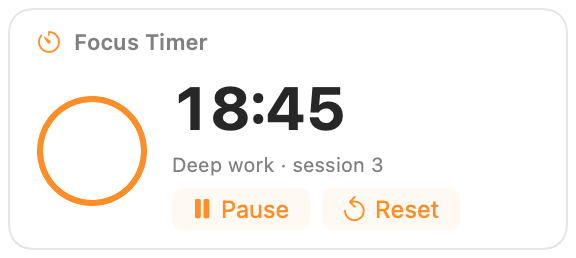
Focus Timer
A persistent focus countdown with Start, Pause, Resume, Reset, a native live ring, completed-session count, and macOS notification.
Requires Deno runtimeDetails →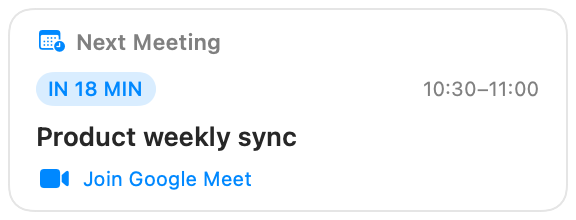
Next Meeting
Your next macOS Calendar event with time remaining, location, and a one-click Join button for Zoom, Meet, Teams, Webex, and other meeting links.
Requires Deno runtimeDetails →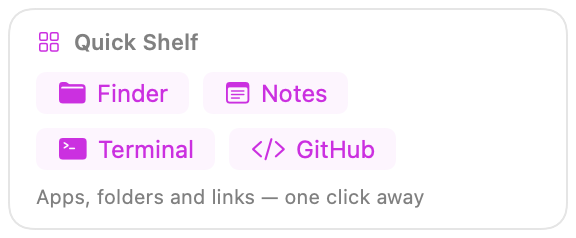
Quick Shelf
A searchable, permission-free launcher for frequently used apps, folders, and websites, with three customizable favorites.
Details →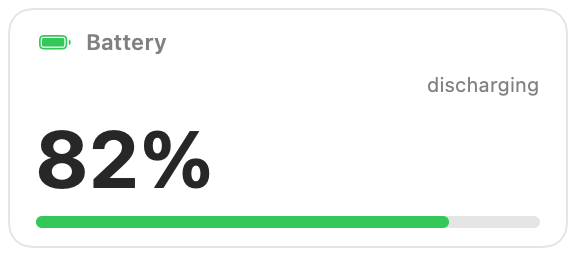
Battery
Native-style battery widget — a big percentage and a level-colored meter with a matching battery glyph, read from pmset. Pure workflow, no Deno.
Details →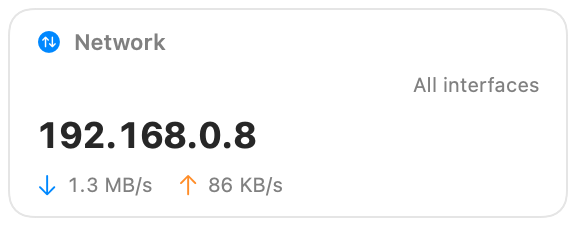
Network
Native upload and download activity with optional live speeds, local address, and an interface selector. No subprocess or external dependency.
Details →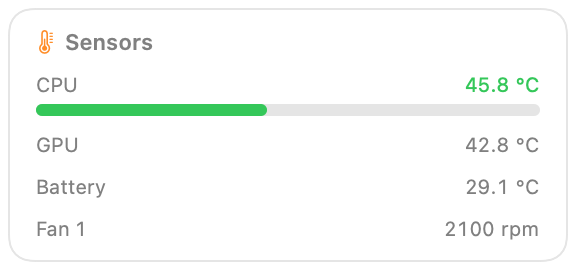
Sensors
Hardware temperatures, fans and power draw from the SMC, with the Apple Silicon HID sensor plane as a fallback. Choose a temperature, any single sensor, power draw, fan speed, or fan load for the menu bar — or two of them — in °C or °F where applicable.
Details →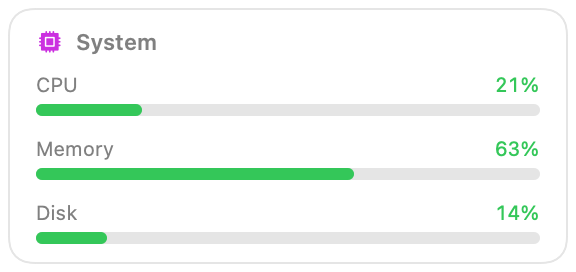
System
Native system monitor — CPU, memory and disk as health-colored meters, read straight from Mach with no subprocess. Choose what the menu bar shows — CPU total, user, system or busiest core; memory, pressure or swap; disk used, free, or read and write speed — and optionally a second reading beside it.
Details → BarShelf