 BarShelf
BarShelf › Widgets › Clipboard Shelf
Clipboard Shelf
A privacy-first, memory-only clipboard history with search, re-copy, pin, delete, secret detection, and redacted caching.
- Category
- Productivity
- Type
- TypeScript script
- Requires
- Deno runtime
- Permissions
- exec:
/usr/bin/pbpaste - Refresh
- Every 5 s while visible
- Source
- github.com/Open330/barshelf/tree/main/widgets/clipboard-shelf
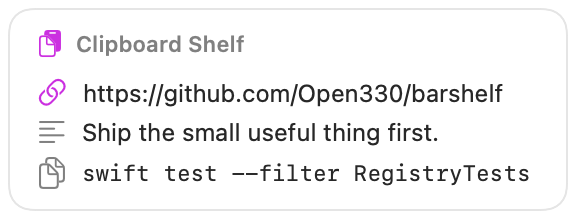
A privacy-first, short-lived clipboard history for BarShelf. It captures the current macOS text clipboard while the widget is visible, removes duplicates, and lets you copy, pin, delete, search, or clear recent entries.
Privacy model
- History lives only in the script process's memory. It is never written to BarShelf storage, a file, or the network, and disappears when the process ends.
- Private keys, common API-token formats, JWTs, password/secret assignments, and valid-looking payment-card numbers are skipped rather than displayed.
/usr/bin/pbpasteis the only executable permission. Its output and every render are marked sensitive, and the cold-start cache contains only a redacted placeholder.- Re-copy uses BarShelf's native
copyTextaction; the widget does not executepbcopy. An optional setting can clear a re-copied value after 1–300 seconds. - Clipboard content is capped at 64 KiB and history is capped at 20 entries.
Requirements
- macOS (for
/usr/bin/pbpaste) - Approval of the single, exact executable permission on first run
The five-second refresh runs only while the widget is visible. Background clipboard monitoring is intentionally disabled.
Install
Included with BarShelf. Open the popover, go to the Gallery, and add it. BarShelf asks you to approve the permissions listed above first.
brew install --cask open330/tap/barshelf