 BarShelf
BarShelf › Widgets › Reminders
Reminders
How many open (incomplete) reminders you have. Requires macOS Automation permission for the Reminders app — approve the one-time prompt.
- Category
- Media
- Type
- Workflow (no code)
- Requires
- Nothing beyond BarShelf
- Permissions
- exec:
/bin/sh - Refresh
- Every 60 s while visible
- Source
- github.com/Open330/barshelf/tree/main/widgets/reminders
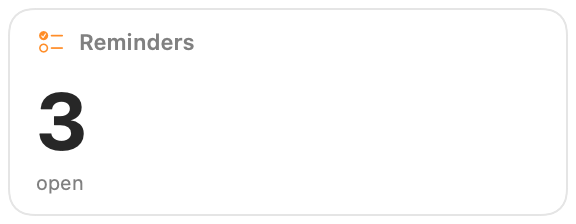
How many reminders you still have open, as one large number, so you can see whether the list is growing without opening the app.
What it shows
- The count of incomplete reminders across all your lists.
- The word "open" underneath, so the number reads on its own.
It shows 0 when Reminders cannot be read, for example before you approve the permission prompt.
Permissions and refresh
The widget runs one fixed /bin/sh -c command that asks Reminders for the count through AppleScript. The first time it runs, macOS asks whether BarShelf may control Reminders; approve it once in the Automation prompt. You can change that later in System Settings › Privacy & Security › Automation.
The widget reads only the count, never reminder titles or notes. It refreshes every minute while the popover is visible. Clicking it opens Reminders.
Install
Included with BarShelf. Open the popover, go to the Gallery, and add it. BarShelf asks you to approve the permissions listed above first.
brew install --cask open330/tap/barshelf