 BarShelf
System
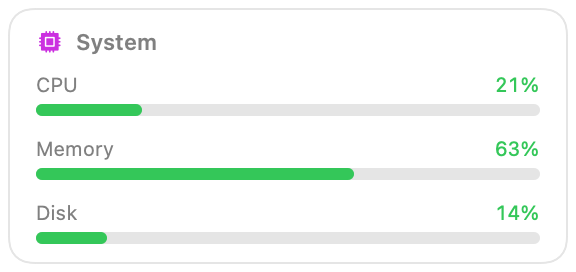
Native system monitor — CPU, memory and disk as health-colored meters, read straight from Mach with no subprocess. Choose what the menu bar shows — CPU total, user, system or busiest core; memory, pressure or swap; disk used, free, or read and write speed — and optionally a second reading beside it.
- Category
- System
- Type
- Workflow (no code)
- Requires
- Nothing beyond BarShelf
- Permissions
- system:
cpu,memory,disk - Menu bar
- Can show its value live in the menu bar
- Refresh
- Every 2 s while visible
- Source
- github.com/Open330/barshelf/tree/main/widgets/system
Install
Included with BarShelf. Open the popover, go to the Gallery, and add it. BarShelf asks you to approve the permissions listed above first.
brew install --cask open330/tap/barshelf